Customer.io vs Iterable: one price you can read, one you have to ask for
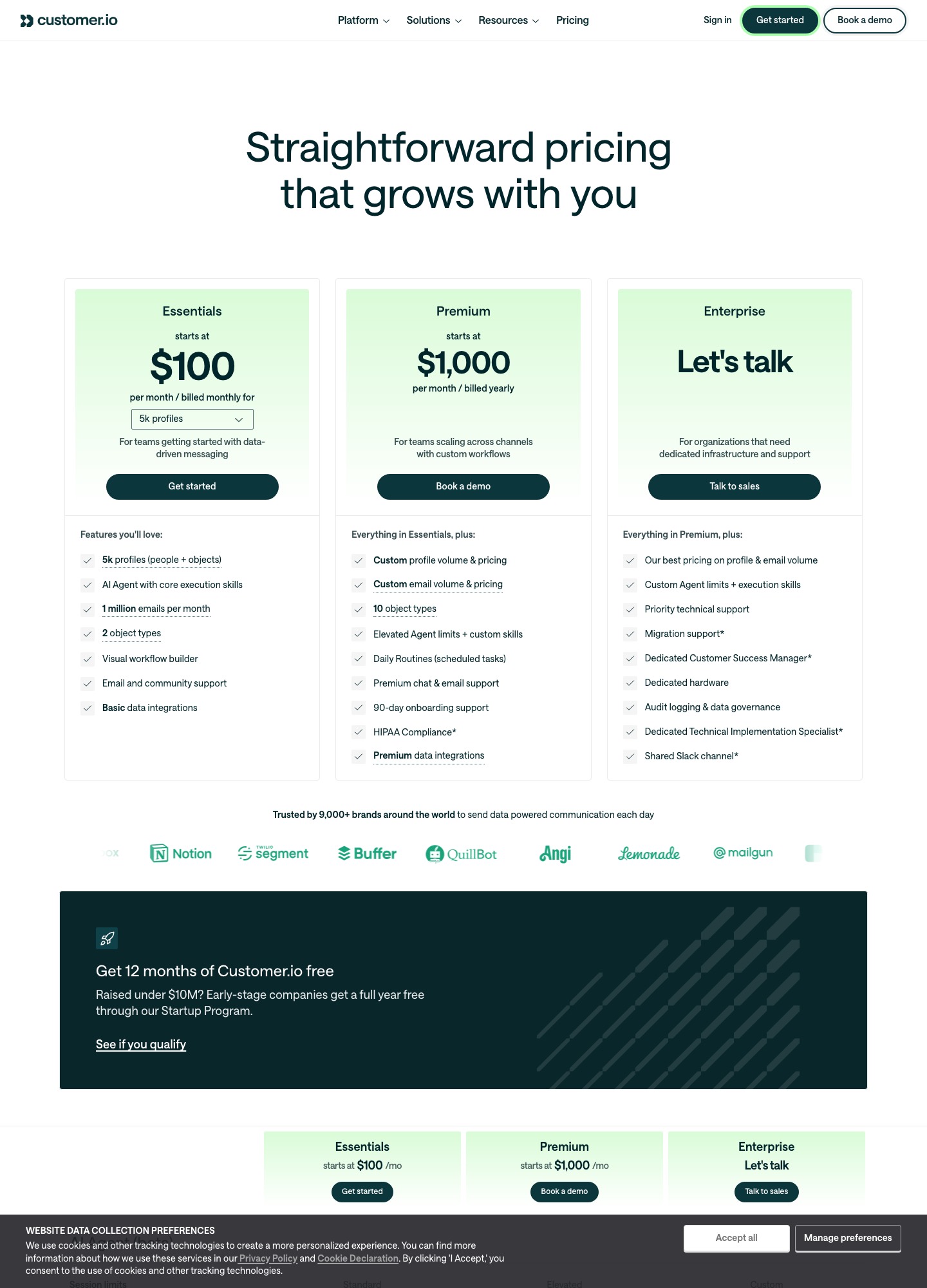
Customer.io puts its Essentials plan on a slider: $100 a month at 5,000 profiles, $145 at 10,000, $235 at 20,000. Iterable's pricing page has no plan names or dollar amounts, only a "Book a demo" call to action. So the first difference is procedural: you can model Customer.io tonight, while Iterable needs a sales conversation before you have a number to compare. This page sets out the costs that are public, the questions that make an Iterable quote comparable, and how each tool takes in billing events from Stripe or Paddle.
By Julian Pryor · Updated 7 Oct 2026
Short answer
Pick Customer.io when you want a self-serve SaaS lifecycle tool, a budget you can calculate, and webhook-based billing events. Pick Iterable when you are an enterprise-scale team that wants its AI decisioning layer and cross-channel orchestration, and you accept a quote-led purchase. Under about 50,000 profiles, Customer.io is the one you can actually price against alternatives.
What each vendor publishes
The table lists what was visible on each pricing page on 7 Oct 2026.
| Item | Customer.io | Iterable |
|---|---|---|
| Entry price | Essentials from $100 a month, billed monthly, at 5k profiles | Pricing on request (quote-based) |
| Top self-serve step | Selector reads $505+ at 50k+ profiles; Premium starts at $1,000 a month, billed yearly | None; "Book a demo to learn more" |
| Free plan | None; Startup Program gives 12 months free to companies that raised under $10M | None listed |
| Email volume | 1 million emails a month on Essentials; extra 1,000 emails cost $0.12 | Not stated |
| Transactional email | "Included" on every plan | Not stated on the pricing page |
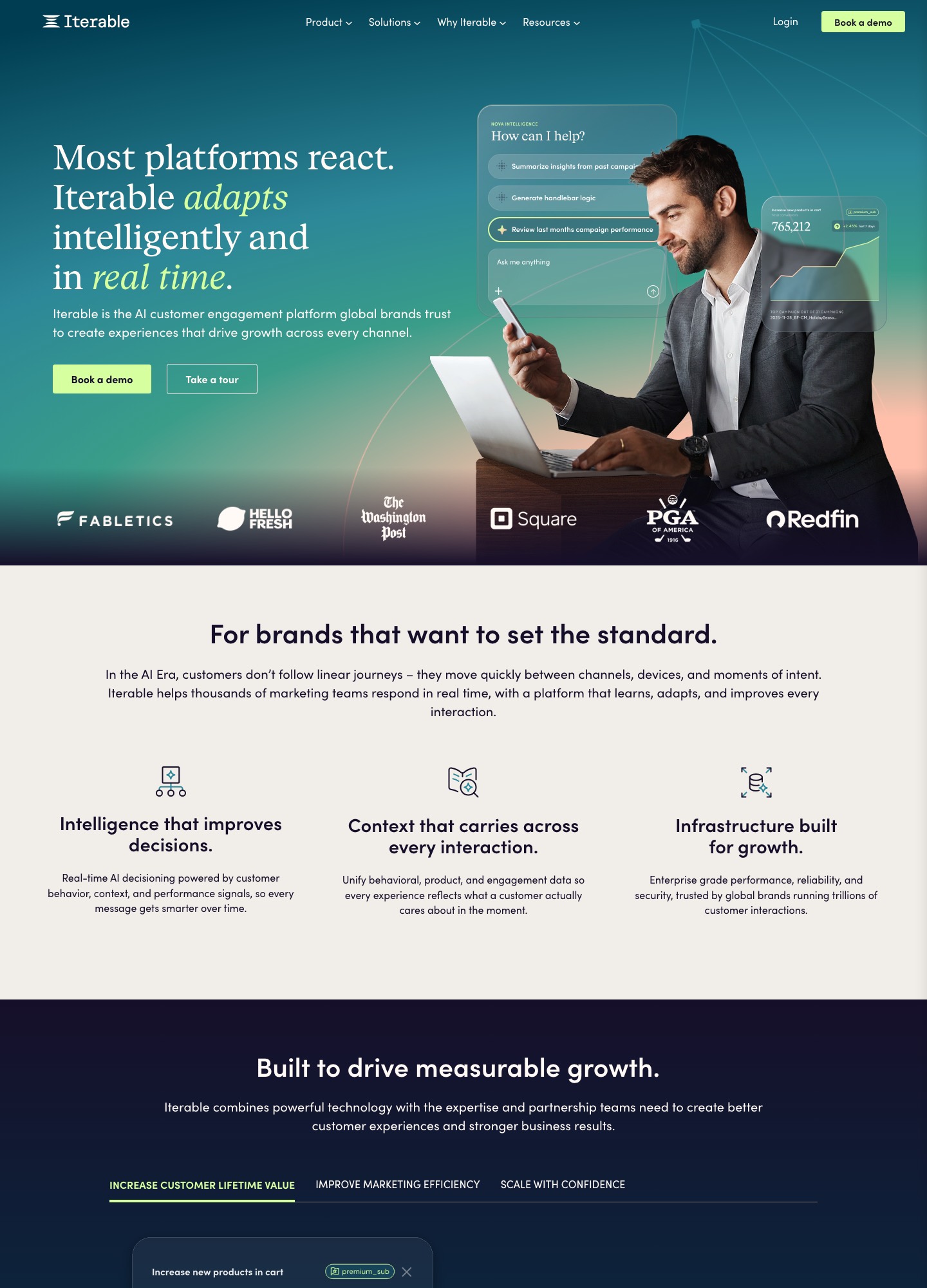
| Self-description | Customer engagement platform with a visual workflow builder and an AI Agent | "The AI customer engagement platform built for enterprise scale" |
Customer.io cost at three audience sizes
Only one side of this comparison can be filled with numbers. The figures are Customer.io's Essentials selector readouts, billed monthly.
| Profiles | Customer.io Essentials per month | Iterable |
|---|---|---|
| 5,000 | $100 | Pricing on request |
| 20,000 | $235 | Pricing on request |
| 50,000+ | $505+ | Pricing on request |
Moving from 5,000 to 20,000 profiles adds $235 − $100 = $135 a month. Customer.io's docs list the overage at $0.009 per profile, which is $9 per extra 1,000, and 15,000 extra profiles at that rate come to 15 × $9 = $135, so the selector and the rate agree. One billing rule matters for churn-heavy products: the docs say a profile that exists at any point in the billing period counts toward that month's bill, even if you delete it. Customer.io also counts people and objects together as profiles, so company or workspace records you model as objects use up the same allowance.
What an Iterable quote has to spell out
Iterable's page tells you nothing about its unit of charge, so the quote request is the comparison work. Ask for these in writing:
- The unit. Is the price set by audience size, by messages sent, by channels enabled, or a blend? A quote on messages cannot be set beside Customer.io's profile counts until you convert one to the other.
- The AI layer. Iterable's page names Nova insights, Nova agents and Nova Decisioning. Ask whether they are bundled or metered.
- Data volume. If you will push product events or catalog data in bulk, ask whether event or data-feed volume changes the price.
- Term and renewal. Ask how the renewal price is set and what happens when you pass the contracted audience.
Give both vendors the same brief, for example one onboarding journey, one trial-ending journey and one failed-payment journey for 15,000 profiles, so the answers are comparable.
Getting a billing event into each tool
For a SaaS company the useful events are trial start, trial end, failed payment, upgrade and cancellation. Neither vendor takes them from your billing system without some plumbing from you, but the plumbing differs.
- Customer.io. Its docs include a tutorial, Sync customers from Stripe to Customer.io, that builds a webhook-triggered automation: a Stripe
customer.createdwebhook arrives, the automation finds the person by email, and sets their ID to the Stripe customer ID. The page says the same pattern extends to dunning emails oninvoice.payment_failed, because most Stripe webhooks identify people by Stripe customer ID. - Iterable. Its events documentation describes a track endpoint,
POST /api/events/track, whose example body carriesemail,eventNameanddataFields, and a journey can start from a matching custom event (Iterable Events Overview). I did not find a Stripe connector page on Iterable's site, so assume your own handler maps the Stripe or Paddle payload to a custom event.
In both cases decide which system owns the failed-payment email. Stripe and Paddle can email customers themselves, and a lifecycle tool that also fires will send two messages for one failure.
Where each product is stronger
Customer.io's Essentials plan bundles a visual workflow builder, two object types, basic data integrations and email and community support. Premium raises that to ten object types, Daily Routines for scheduled tasks, premium chat and email support, 90-day onboarding support and HIPAA compliance, and the comparison table lists managed deliverability as not included on Essentials. Its docs expose a Track API, a Pipelines API, semantic events, custom events and reporting webhooks, and its pricing page states US and EU data centers with a published DPA.
Iterable's strengths, as it presents them, sit at enterprise scale: real-time AI decisioning, unified behavioral and product data, SMS alongside email, and Handlebars templates that can reference user profile fields and event data (Iterable's Handlebars guide). These are vendor claims about positioning, not figures you can price, which is why the demo is where the decision is actually made.
Moving between the two
- Export users with their custom fields, plus the event names your journeys depend on. Customer.io's docs have a backfill route for historical data, which matters if segments use past behavior.
- Decide the identity key before importing. Customer.io uses an ID you choose (Stripe customer ID in the tutorial above), while Iterable's example identifies users by email.
- Import unsubscribed contacts as unsubscribed and carry suppression lists across.
- Authenticate the sending domain in the new tool (SPF and DKIM) and send from it before moving the main journeys.
- Run the old and new onboarding journeys side by side on a split of new signups, then retire the old one.
Which one to choose
- Customer.io fits a team of 5,000 to 50,000 profiles that wants to start this month, read a price, and build billing-triggered journeys through webhooks.
- Iterable fits a larger program that already expects a procurement process and wants cross-channel decisioning more than a price list.
- Neither is the cheap option for a sub-1,000 list; Customer.io has no free plan and Iterable lists none either.
If you are still narrowing the list, the comparison index has the neighbours: Customer.io against Braze, Iterable against Braze, Iterable against HubSpot and Loops against Iterable, plus the SaaS marketing automation guide.
Customer.io vs Iterable: common questions
How much does Iterable cost compared with Customer.io?
Customer.io publishes its Essentials price by profile count: $100 a month at 5,000 profiles, $145 at 10,000 and $235 at 20,000. Iterable publishes no plan or dollar figure; its pricing page says "Book a demo to learn more" and lists no free plan. Any cost comparison therefore needs an Iterable quote written for your audience size and channels.
Can Customer.io be the cheaper choice for a growing SaaS?
Often it is the easier one to budget for, because the profile selector is public and each extra 1,000 profiles adds $9 (the $0.009 per-profile rate times 1,000). The caution is that profiles count people and objects together, and a profile that existed at any point in the month stays on that month's bill even if you delete it.
How do Stripe failed-payment events reach each tool?
Customer.io's docs walk through a webhook-triggered automation that receives Stripe events, with invoice.payment_failed named as the dunning use case, and people are matched by Stripe customer ID. Iterable's documentation describes a custom-event endpoint (POST /api/events/track with email, eventName and dataFields), so your own webhook handler would translate the Stripe event and call it. I found no Stripe connector page on Iterable's site.
Which tool suits a company with under 10,000 users?
Customer.io, mainly because the price is visible and self-serve at that size, with a 14-day free trial and a Startup Program that gives eligible companies under $10M raised a year free. Iterable describes itself as built for enterprise scale and routes every buyer through a demo, which is a long process for a small list.