Loops vs Ortto: a tool with a posted price against a platform whose price page is missing
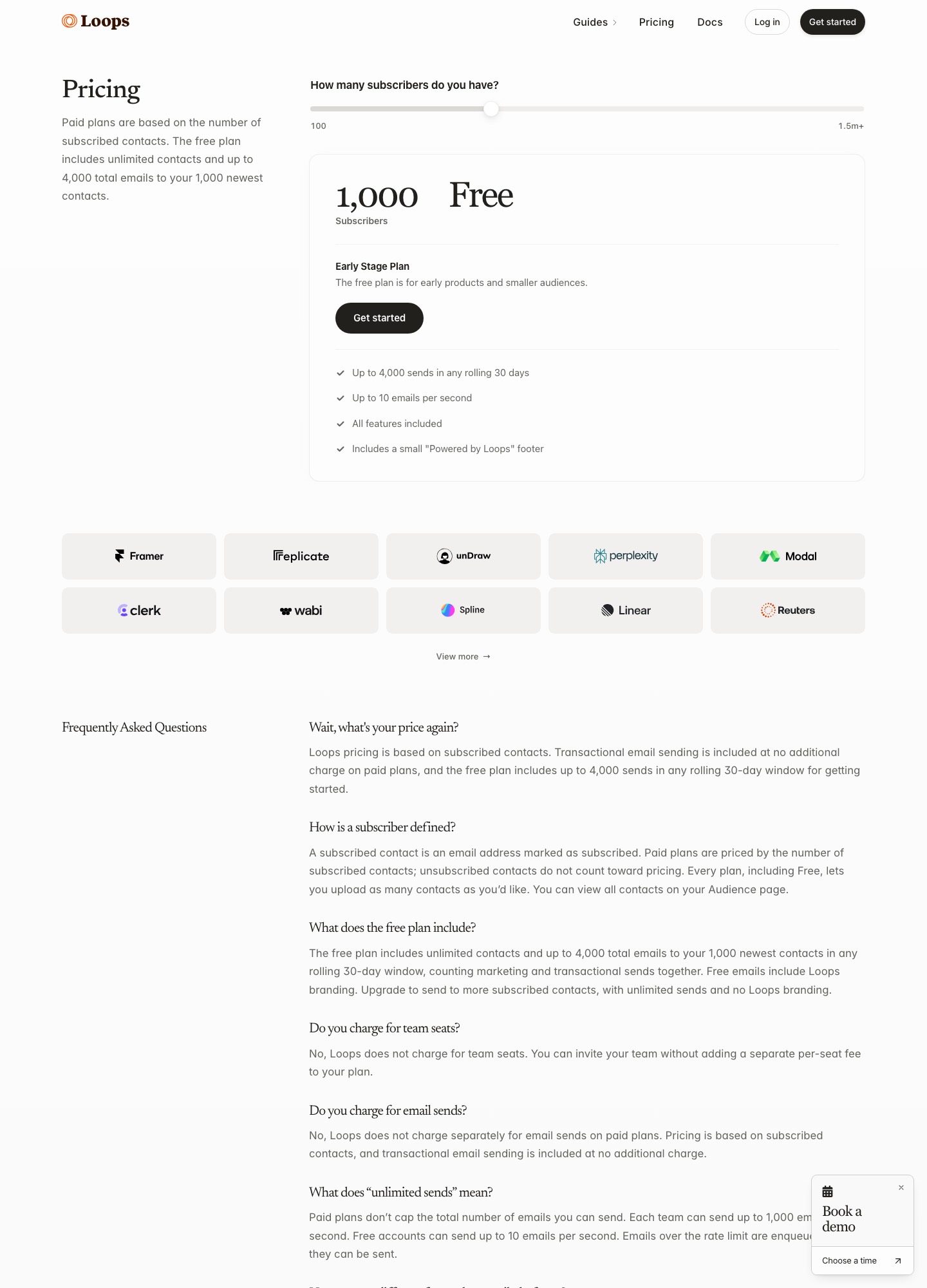
Loops publishes a slider: free at the start, then $48 at about 5,000 subscribers, $99 at 10,000 and $249 at 50,000. Ortto's pricing page returned a 404 on 7 October 2026, so no Ortto plan price can be quoted here, only its 14-day free trial and Book a demo buttons. The decision is therefore about scope. Ortto bundles a customer data platform, multi-channel journeys and a support inbox, while Loops sends email and nothing else.
By Julian Pryor · Updated 7 Oct 2026
Short answer
Choose Loops when email is the only channel you need and you want to see a price before you talk to anyone. Choose Ortto when you want email, SMS, push and in-app messages in one journey builder, backed by a customer data platform with a per-person activity feed, and you are willing to start a trial or book a demo to learn what it costs. Since Ortto's price is not published, do not budget for it from this page.
What each site states about price and trial
Loops' figures come from its subscriber slider on 7 October 2026. For Ortto, the pricing URL answered with a 404 page, so the right-hand column records what the site does say. No number is given because none was read.
| Item | Loops | Ortto |
|---|---|---|
| Price at about 5,000 subscribers | $48 at 4,788 | Not published; pricing page 404 |
| Price at about 10,000 subscribers | $99 at 9,998 | Not published |
| Price at about 50,000 subscribers | $249 at 49,989 | Not published |
| Free offer | Free plan: 4,000 sends per rolling 30 days to the 1,000 newest contacts | "14 day free trial", with a Book a demo option |
| Channels | Email (campaigns, workflows, transactional) | Email, SMS, push notifications, forms and surveys, in-app messages |
| Customer data layer | Contacts and properties; events from API and Stripe | Customer data platform with custom activities, dashboards, reports and lead scoring |
Loops' paid prices come to $576 a year at 4,788 subscribers, $1,188 at 9,998 and $2,988 at 49,989. Ortto's cost has to come from its own sales or trial flow; start at ortto.com. Loops' slider is at loops.so/pricing.
What Ortto's SaaS page promises
Ortto's SaaS page is headed "Scale your SaaS in a purpose-built platform" and describes customer data, marketing automation and analytics working together to create behavior-based journeys. Its journey example starts when a new account is created, updates a record, assigns an opportunity round-robin, sends a welcome email, waits a day, sends an SMS and posts a Slack notification. Its customer data example shows a per-person feed with entries such as "Signed up", "Started trial", "Team member invited" and "Subscribed". The page lists audience filters on any combination of data points, customizable lead and engagement scoring, attribution reporting, and chat plus a knowledge base for support.
Its integrations paragraph names Salesforce, Recurly, Stripe, Pipedrive and Segment, with no list of the Stripe events involved. That leaves a gap for billing logic: you would need to see in a trial which Stripe events create activities and which of them can start a journey.
What Loops offers in place of a data platform
Loops has no CDP layer. It has contacts, properties and events. A workflow starts from one of four triggers: a contact being added, a contact updated, a contact added to a list or an event received. The contact-updated trigger can watch a single property move from one value to another, such as plan changing from free to paid. Events come in through POST https://app.loops.so/api/v1/events/send, or through the Stripe app, which forwards customer.subscription.created, customer.subscription.trial_will_end, invoice.paid, invoice.payment_failed and more. Branch nodes split a workflow by contact properties, and experiments test email variants.
What Loops does not document is any channel beyond email, any lead scoring, or a team inbox or live chat. Transactional email is included on paid plans and uses either the API or SMTP, with guides for Django, Laravel and Rails.
When Ortto's breadth earns its keep
- You message in more than one channel. A trial-ending nudge that goes by email, then SMS, then an in-app message needs a builder that can mix them, and Ortto lists all three.
- Sales and marketing share signals. Lead scoring and an activity feed per person suit a product-led sales motion where reps follow up on trial behavior.
- Support is part of retention. Ortto lists a team inbox, live chat and a knowledge base next to its journeys.
If none of those applies, you would be paying, in an unknown amount, for a platform whose extra parts you do not use.
When Loops is enough
Most early SaaS lifecycle programs are five to ten emails: welcome, activation nudge, trial ending, payment failed, upgrade confirmation and cancellation follow-up. Loops covers each with a trigger and a template, on a free plan until you pass 1,000 contacts or 4,000 sends in 30 days. After that the bill follows subscribers and nothing else, and there is no seat charge.
Choosing between them
Take Loops if you can write your whole plan in one line of email events and want a number today. Take the Ortto trial if you can name a second channel or a CDP use you have no other home for. A sensible middle path is to run the Ortto trial for two weeks with the three journeys you care about and set the quote against Loops' slider for your list size, using annual totals.
Moving from Ortto to Loops
- Export people with the fields and scores you use, and decide which scores become contact properties your backend updates.
- Import unsubscribed people as unsubscribed. A CSV import into Loops does not fire "Contact added" workflows, so nobody receives a second welcome.
- Rebuild each email-only journey as a workflow. SMS, push and in-app steps have no counterpart and need another tool.
- Keep a copy of any per-person activity history you rely on, since Loops documents events as triggers rather than a stored feed.
Other pairings that include Ortto or a similar platform:all comparisons, Loops vs Customer.io, Loops vs Iterable, Ortto vs Customer.io, Ortto vs ActiveCampaign and Encharge vs Ortto.
Loops vs Ortto: common questions
How much does Ortto cost?
No plan price could be read. Ortto's own pricing address, ortto.com/pricing, returned a "404: There is nothing here" page on 7 October 2026, even though the site's navigation still links to it. The home page offers a 14-day free trial and a Book a demo option, so for a figure you would start the trial or ask sales. Loops, by contrast, shows $48 at about 5,000 subscribers, $99 at 10,000 and $249 at 50,000.
Does Ortto have a free plan?
The pages read mention a "14 day free trial" with a two-minute onboarding claim, not a permanent free plan. Loops' free plan is permanent and has every feature, bounded by 4,000 sends per rolling 30 days and the 1,000 newest contacts.
Does Ortto work with Stripe?
Ortto's SaaS page says its no-code integrations include Salesforce, Recurly, Stripe, Pipedrive and Segment. The page does not list which Stripe events it handles. Loops documents a Stripe app with a named event list, including invoice.payment_failed, customer.subscription.trial_will_end and customer.subscription.deleted.
Can Loops send SMS or push notifications like Ortto?
Not according to its documentation, which covers campaigns, workflows and transactional email and mentions no SMS, push or in-app messages. Ortto's home page lists email, SMS, push notifications, forms and surveys, and in-app messages as journey channels.